 Fast QR Pro
Scan QR codes
Point your camera at a QR code to quickly read and act on the result.
Scan QR codes and barcodes, create beautiful codes of your own, and keep the information you need close at hand — all in Fast QR Pro.
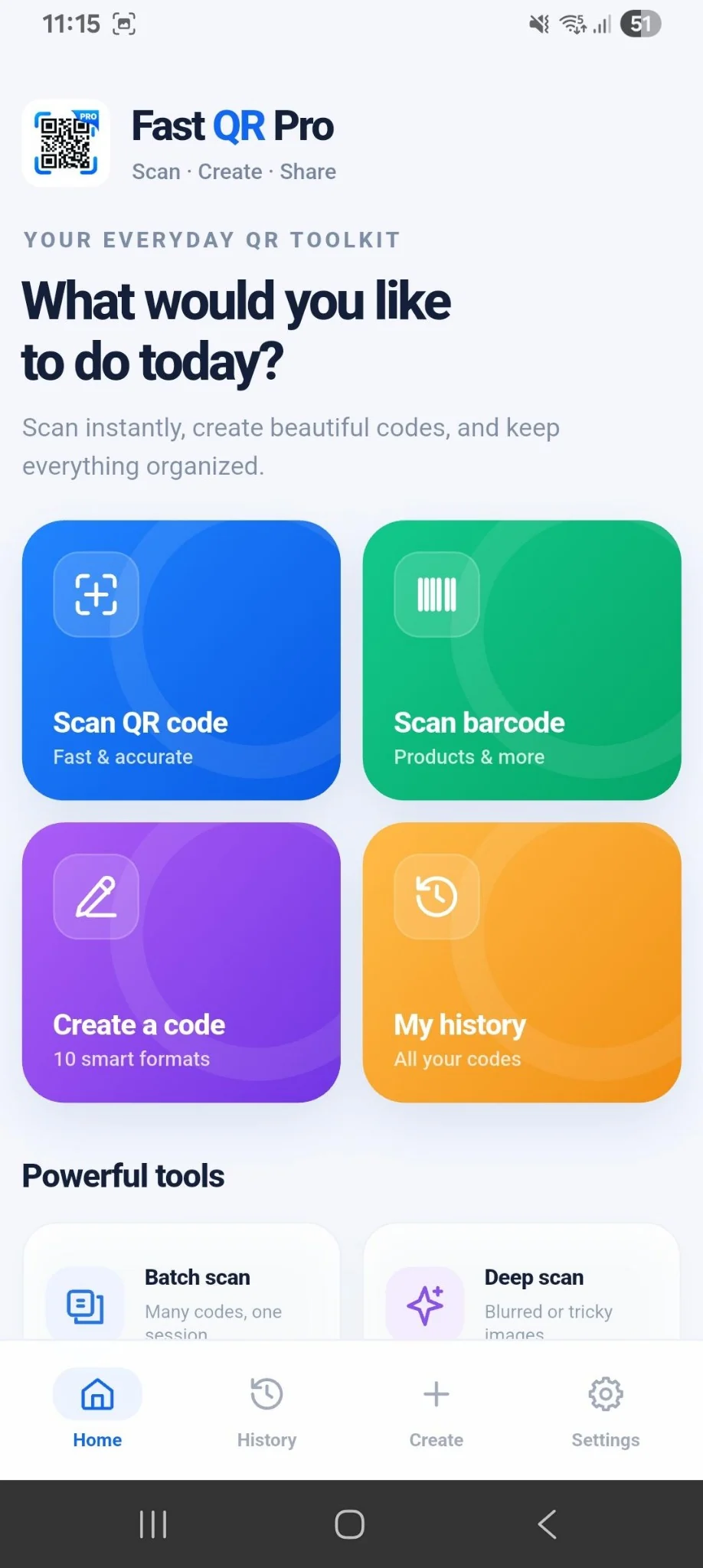
All the essentials
One thoughtful set of tools for your day-to-day scanning, code creation, and organization.
Point your camera at a QR code to quickly read and act on the result.
Read barcodes from products, packaging and everyday items.
Create codes for websites, text, Wi-Fi, contacts and more.
Search saved scans and creations, then return to the ones you need.
Read QR codes from saved images without pointing your camera.
Scan multiple codes in a session or try enhanced image scanning.
Choose colors and styles to make your generated QR codes recognizable.
Create UPI and wallet-address QR codes without sending payments.
Explore the experience
Take a closer look at the actual Android app screens — designed to make every action feel effortless.
The home screen puts QR scanning, barcode reading, QR creation and history right where you expect them.
Actual Android screenBuilt around real moments
Whether you're sharing Wi-Fi or organizing codes, Fast QR Pro keeps the process clear.
Create QR codes for Wi-Fi details without asking guests to type a long password.
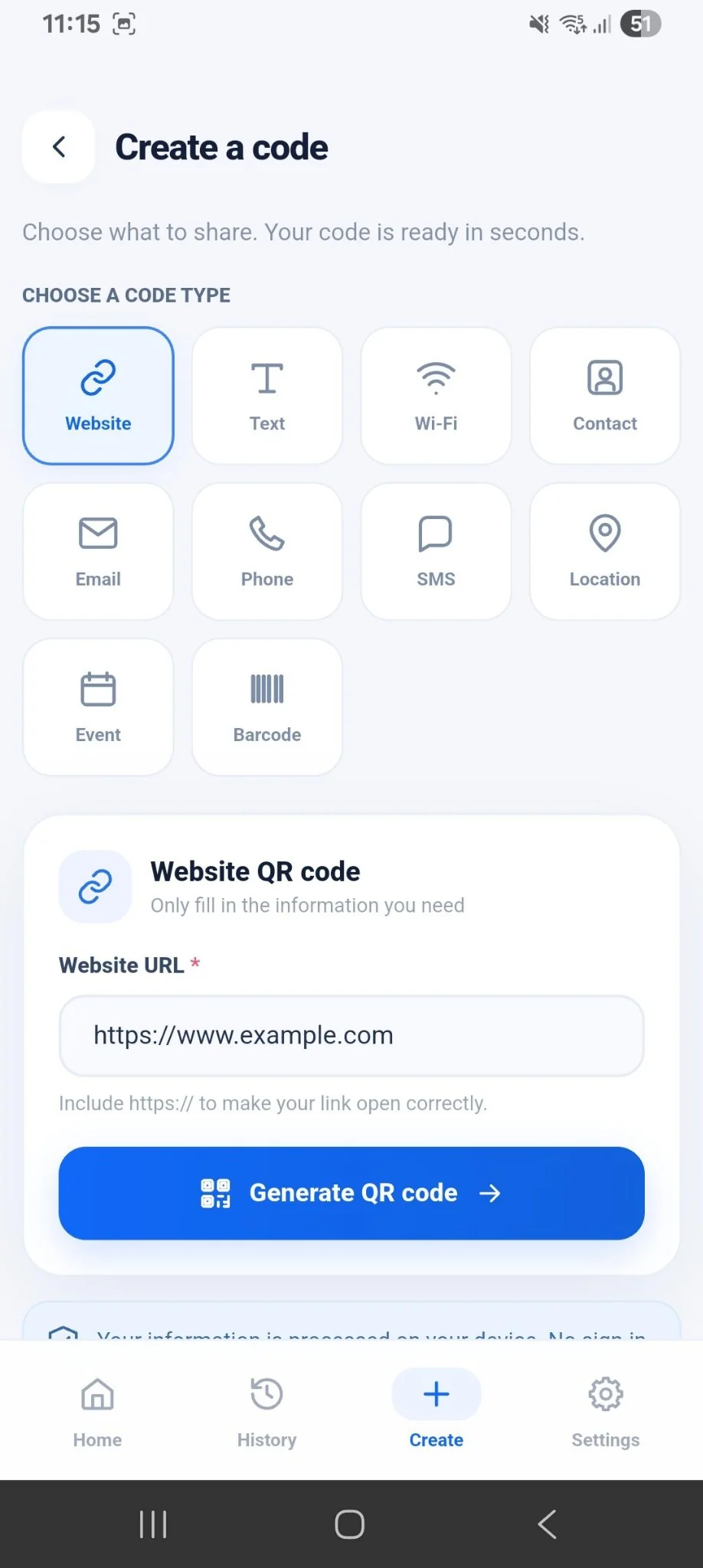
Generate UPI payment QR codes in supported payment scenarios.
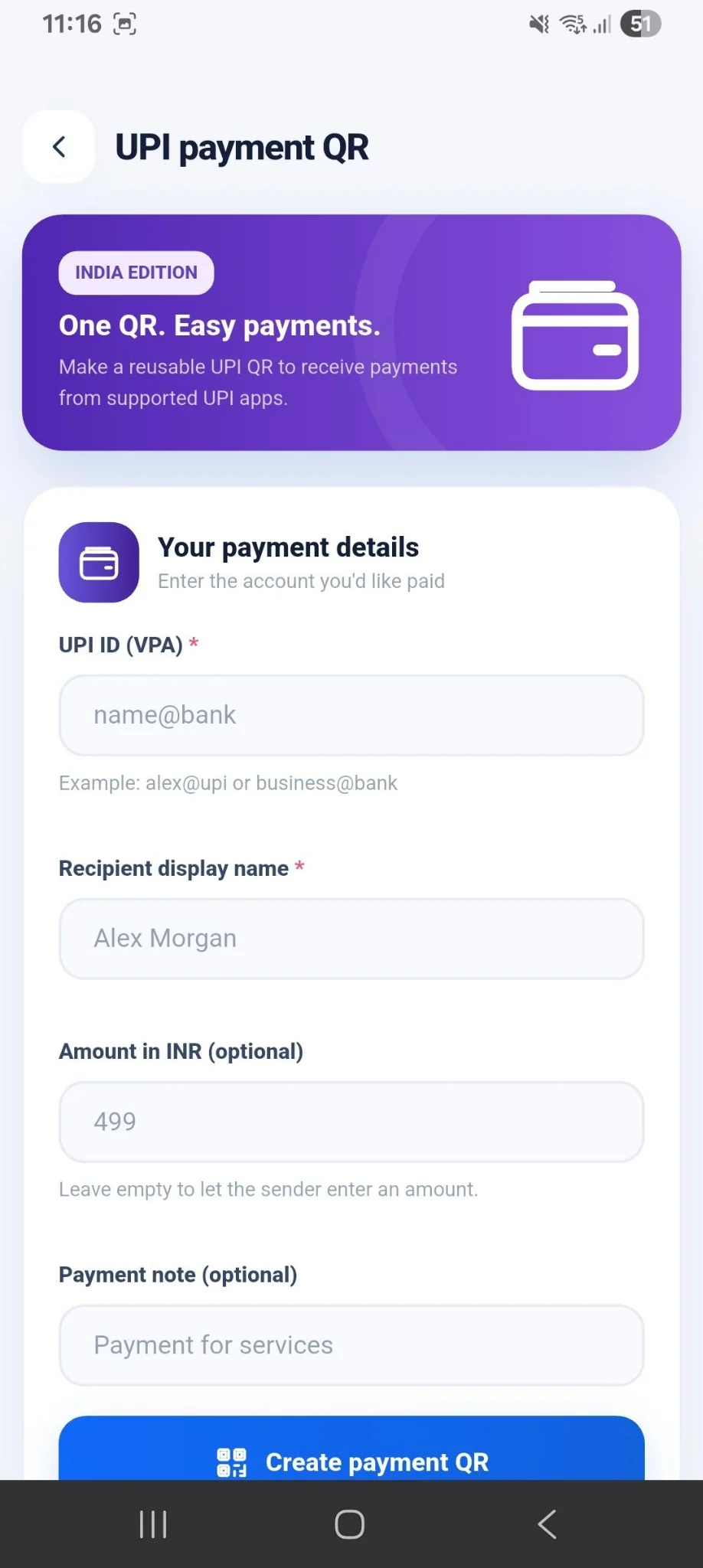
Return to previous scans and creations with searchable history and favorites.
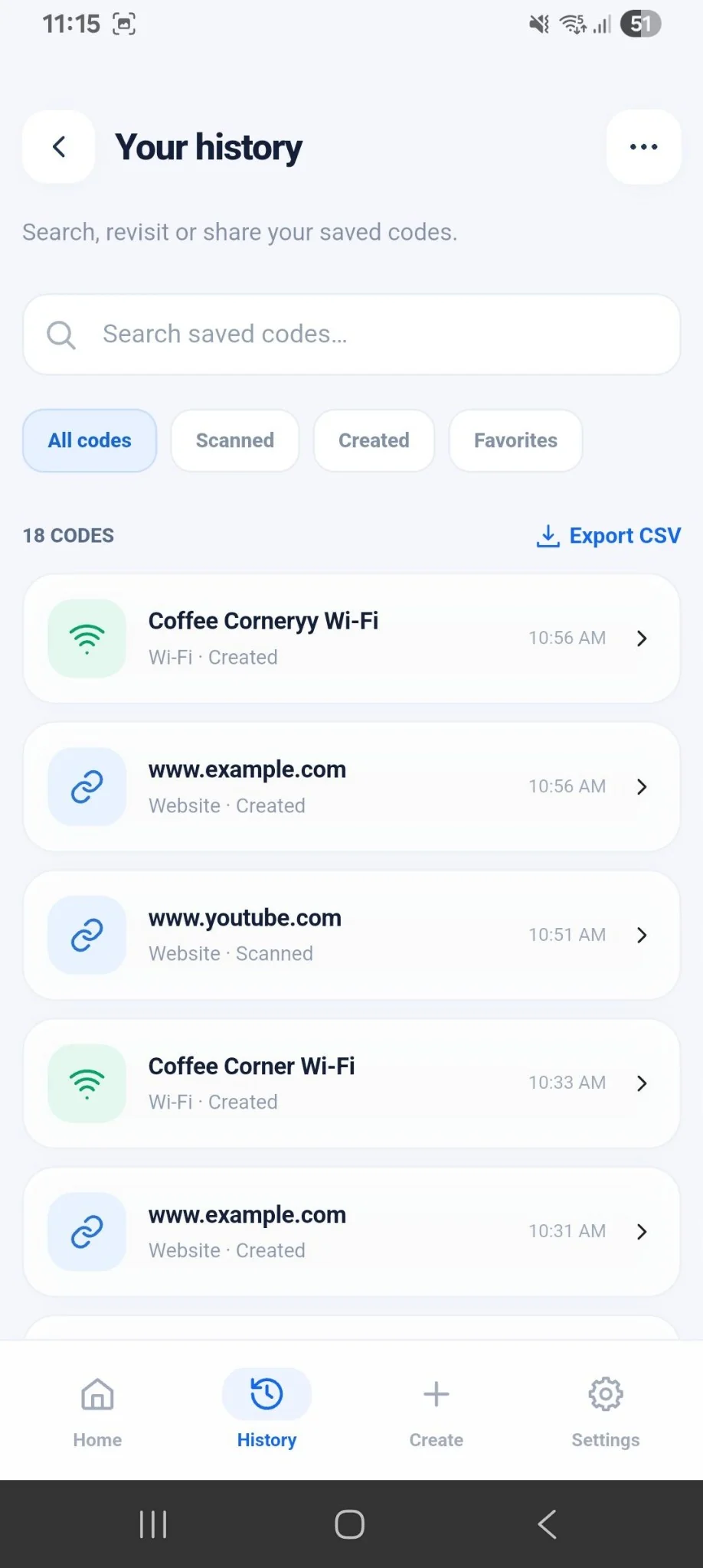
Generate codes for links, contacts, messages, events and more.
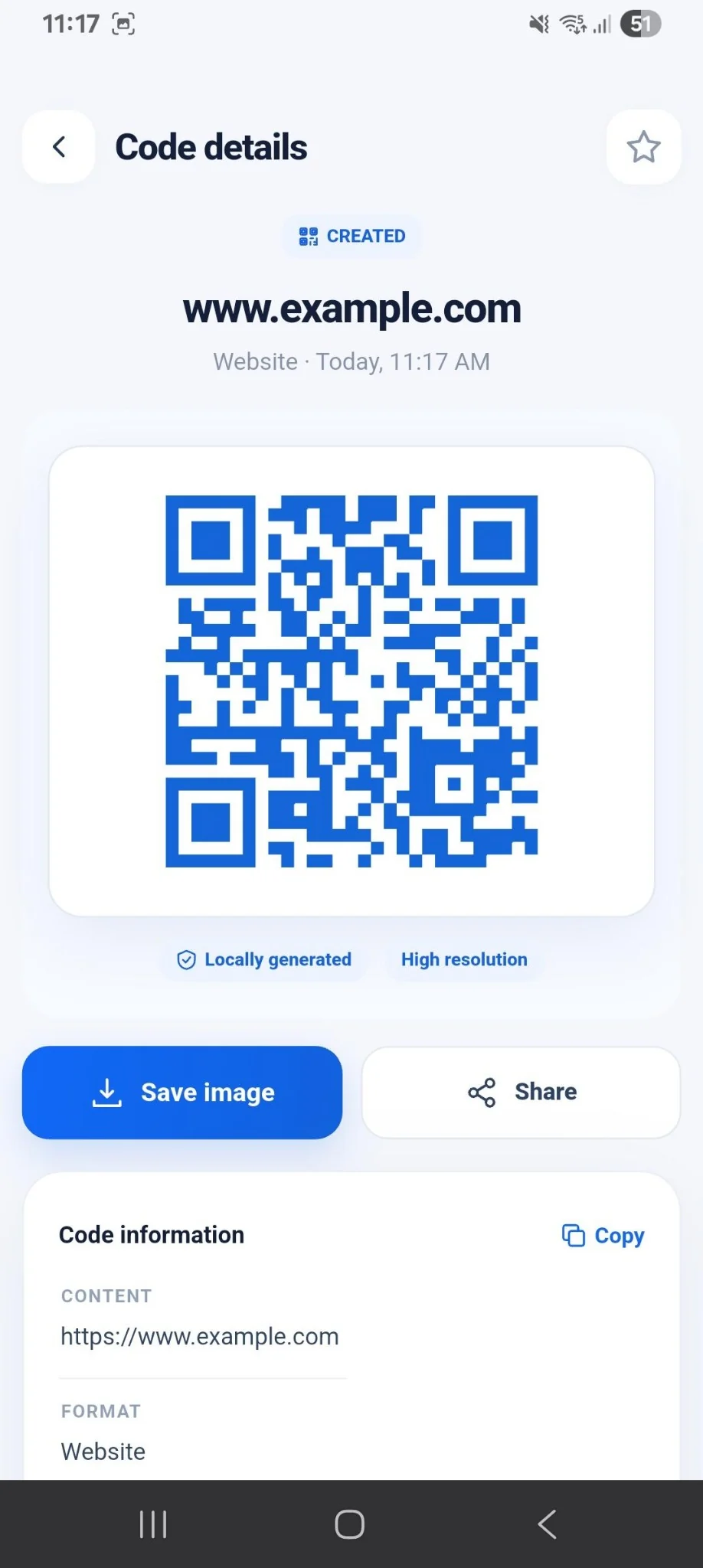
A little hands-on preview
See how simple QR creation can be. Enter a link, a message, Wi-Fi details, or a contact, and watch a scannable QR preview appear instantly.
A few good questions
Everything important about using Fast QR Pro and getting help.
Use the Android app to scan QR codes and supported barcodes with your camera. You can also scan QR codes from saved gallery images and use batch or deep scan tools where available.
Fast QR Pro includes QR creation for website links, text, Wi-Fi, contacts, email, phone numbers, SMS, locations and events. It also includes barcode, UPI and wallet QR tools.
No. UPI and cryptocurrency QR tools create scannable payment details or wallet addresses only. The app does not act as a bank or crypto wallet, verify wallet ownership, or carry out transactions.
Yes. Fast QR Pro is ad-supported. Certain downloads and exports require viewing a rewarded ad. Ad availability and consent choices can depend on your device and location.
The app's core scanning and QR generation flows are designed to work without account registration. Some services, such as ad delivery, may require internet access.
The app provides an option to save scan history on your device, alongside controls for managing saved data. See the app's privacy policy for its data-processing disclosures.
Contact smartcalcpro.team@gmail.com. If you're reporting a bug, include your Android version, a short description and steps to reproduce it. Avoid sharing private QR contents or payment information.
Questions? We're here.
Report a scanning problem, suggest a new feature, or ask a question about Fast QR Pro. Our support inbox is ready for you.
smartcalcpro.team@gmail.com